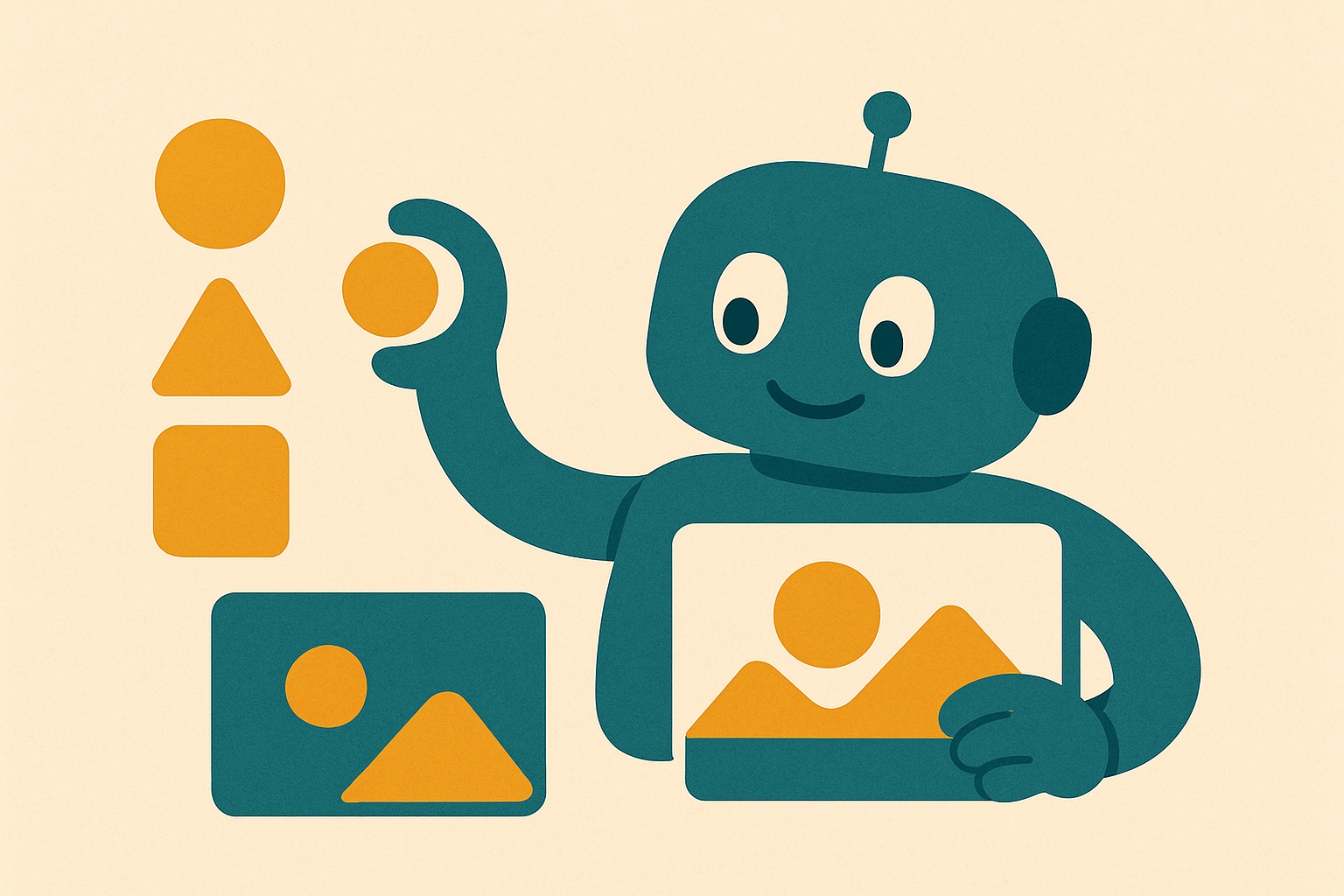
How AI image generators work: a simple guide for parents
AI image generators are computer programmes that create new pictures by mixing patterns they have learned from millions of existing photographs and artworks. When you type a simple description, the software acts like a very fast digital artist, guessing what the image should look like and building it dot by dot. They do not search the internet for a single hidden picture, but rather invent something entirely new based on your words.
This technology can feel overwhelming for parents and teachers trying to keep up with the digital playground. We see these incredibly realistic pictures popping up on social media, in news feeds, and on the platforms our children use every day to chat with their friends. It is completely natural to worry about how young people might be misled by deepfakes or synthetic images when they are scrolling on their own. However, once you understand the basic mechanics behind the curtain, the technology stops looking like magic and starts looking like standard computer programming. By learning a few simple concepts, you can easily guide your children through this new visual landscape with confidence and calm, helping them feel safe online.
Understanding the digital artist
To explain this to a child, it helps to compare the software to a student studying for an art exam. Imagine a person looking at thousands of picture books containing dogs. Over time, that person learns that dogs generally have pointy or floppy ears, fur, and a tail. AI generators work similarly but on a massive scale. Programmers feed the computer billions of images paired with text descriptions. The computer studies these pairs and learns the mathematical relationship between the word ‘dog’ and the specific arrangement of colours and shapes that make up a dog in a photograph.
When someone asks the tool to generate a completely new picture, such as a dog flying a spaceship, the AI does not just cut and paste existing photos together like a digital collage. Instead, it uses a process that starts with a screen of random, static noise. If you remember the fuzzy grey static on an old television set, it looks very much like that. The software then gradually organises those random dots into a picture that matches your text prompt, step by tiny step, until a clear image emerges from the chaos.
Because the computer is essentially guessing based on patterns it has seen before, it often makes amusing or bizarre mistakes. It does not actually understand what a dog or a spaceship is in the real, physical world. It only knows which pixels usually sit next to each other in the millions of files it was trained on. Understanding this mechanical process is a fantastic starting point for adults. It allows you to explain to young people that these impressive pictures are just very clever guesswork, rather than true photographs of reality. When children realise that the computer is just making a very fast, very complicated guess, they are much less likely to be frightened or fooled by what they see on their screens.
What to say when children encounter fake images
Children are highly visual learners, and their default setting is to believe what they see with their own eyes. When a child spots an image of a famous pop star doing something shocking, or a dramatic natural disaster that never actually happened, their first instinct is usually excitement or alarm. As adults, our primary job is to stay calm and use these everyday moments as gentle teaching opportunities. You do not need to deliver a long lecture on computer science. Simply pause, sit with them, and ask them what they think about the picture they have just found.
You can guide the conversation using curiosity rather than panic. You might say something like, “That looks incredibly real, but do you think a person actually stood there and took a photograph of it?” This simple question shifts their brain from passively absorbing the content to actively investigating it. Discuss the context of the photo. If an image shows a celebrity riding a dinosaur, the fake is obvious and usually just for a laugh. But if it shows a politician saying something controversial, the deception is much harder to spot and requires a bit more thought and conversation.
Reassure your children that being tricked by a computer is entirely normal and happens to adults all the time. The technology is advancing at a rapid pace, and even professionals are occasionally caught out by a well crafted fake. While the UK Online Safety Act requires technology platforms to take greater responsibility for protecting their users from harmful material, many fake images will still slip through the net and reach our screens. By talking openly and warmly about how common these synthetic pictures are, you remove any embarrassment a child might feel if they realise they have fallen for a digital trick. This open communication is vital for keeping them safe.
How to spot the clues together
One of the most effective ways to build a child’s critical thinking is to turn spotting AI images into a game of detective work. While the software is incredibly sophisticated, it still struggles with the finer details of human anatomy and the physical rules of our world. By knowing exactly where to look, you and your children can easily identify the digital cracks in the canvas. It becomes a fun challenge rather than a frightening chore.
Start by directing their attention to hands and faces. AI generators are notoriously bad at counting fingers or understanding how human joints bend. You might spot a hand with six fingers, missing knuckles, or limbs that seem to melt strangely into clothing. Teeth can also look completely unnatural, sometimes appearing too numerous or perfectly uniform like piano keys. Next, look closely at the background. AI often loses focus on the details behind the main subject. You might see a staircase that leads into a solid wall, fences that bend at impossible angles, or shadows pointing towards the sun instead of away from it.
Text is another excellent giveaway that a picture is computer generated. If there is a shop sign, a slogan on a t-shirt, or a clock face in the background, ask your child to zoom in
Frequently asked questions
Do AI image generators just copy and paste existing photos from the internet? No, they do not search the web to cut and paste a digital collage. Instead, they invent entirely new pictures by organising random dots based on patterns they have learned from billions of images.
How does the software actually create a picture from a text prompt? The process starts with a screen of random static noise that looks like fuzzy grey static on an old television. The computer then gradually organises those dots step by step until a clear image emerges.
What should I do if my child sees a shocking fake image online? Stay calm and use the moment as a gentle teaching opportunity. Ask them curious questions about the picture to encourage active investigation and reassure them that even adults get tricked