How AI tools use personal data: what parents need to know
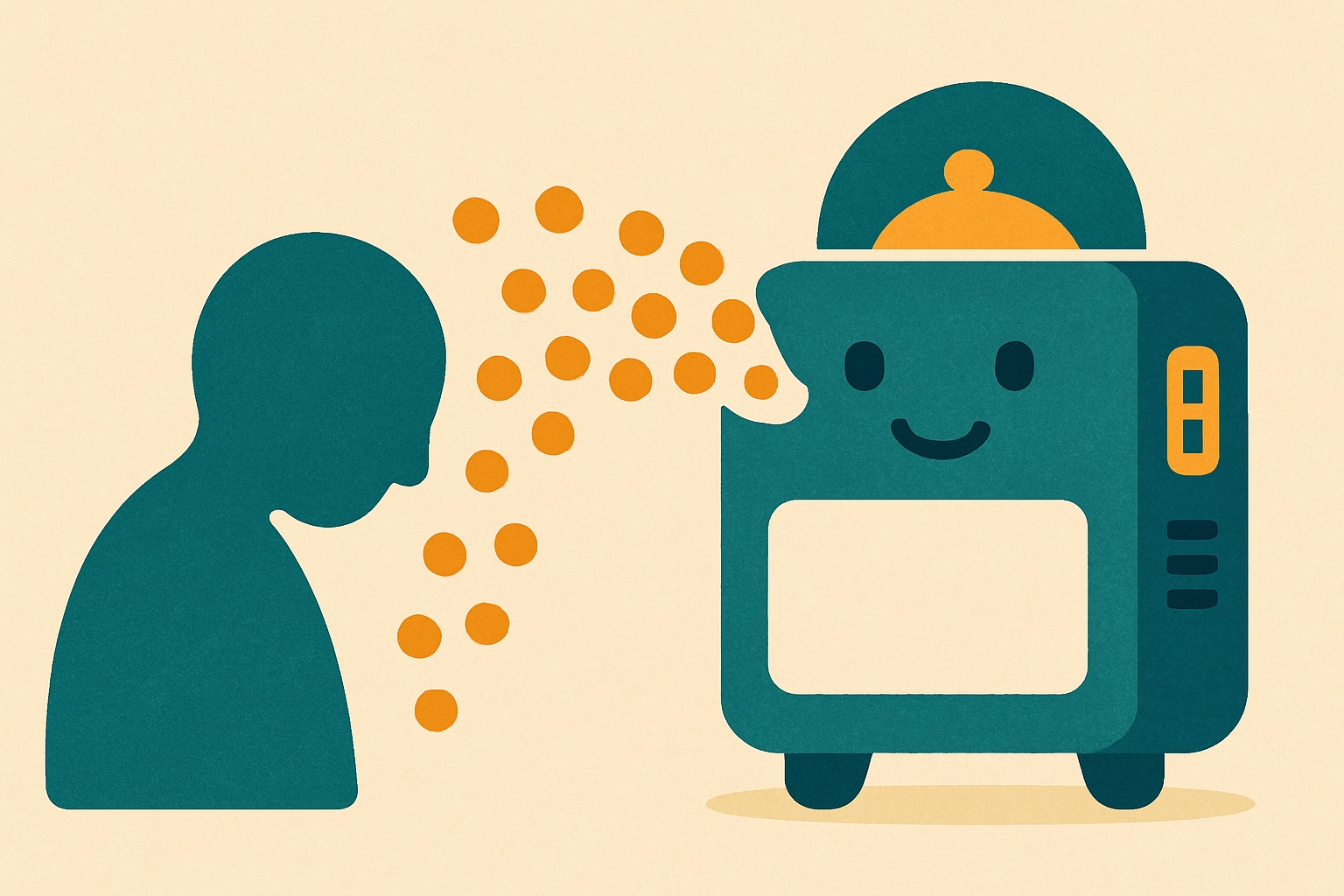
Artificial intelligence tools use personal data by collecting text, voice recordings, and images to train their systems to sound and act more human. When children interact with chatbots, use voice filters, or play AI-powered games, the information they share is often stored and analysed to improve the software. Understanding this process helps us guide young people to enjoy new technology while keeping their private lives strictly private.
Many of us feel a little out of our depth when it comes to artificial intelligence. If you are raising or teaching children right now, you might be wondering exactly what happens to the information they type into a homework helper or speak into a fun voice app. It is completely normal to feel cautious about these new platforms. The good news is that you do not need a computer science degree to protect your family or your students. By understanding the basics of how these systems collect information, you can help children make smarter choices online. We can approach this topic with common sense rather than fear, giving children the skills they need to navigate the digital environment confidently and safely.
How generative artificial intelligence learns from our children
To understand how personal data gets used, it helps to look at what generative artificial intelligence actually is. Unlike traditional search engines that simply look up existing information, generative tools act like incredibly fast learners that study billions of examples to create something entirely new. When a child types a question into a chatbot or uploads a photo to a cartoon avatar generator, that input rarely just disappears when they close the app. Very often, the company behind the tool keeps that text or image to help teach their system how to respond better in the future.
This means that if a teenager casually types in their full name, their school name, or details about a family holiday, that information could become part of the machine’s vast training library. The system looks for patterns in how people speak, what they talk about, and how they phrase their questions. While tech companies usually state that they mix this data up so it cannot be linked back to one specific person, the reality is that the machine is still absorbing fragments of your child’s personal life. Once that data is absorbed into the model, it is very difficult to extract it again.
Explaining this process to children does not have to be a scary conversation. You can compare it to writing on a giant public whiteboard in the middle of a busy town square. Even if you do not sign your name, the things you write are out there for strangers to read and learn from. Once we help children realise that chatting to a machine is not the same as chatting to a private diary, they naturally start to pause before sharing their secrets. They begin to understand that their words have a lifespan far beyond the screen in front of them.
The surprising places artificial intelligence gathers personal details
We tend to think of artificial intelligence as just the famous chatbots making the evening news, but the technology is quietly built into many applications and games that children already use every day. For example, language learning apps, maths tutors, and even some video game chat features now use smart algorithms to respond to players. When a younger child talks into a microphone to interact with a virtual pet, that voice data might be recorded and processed by the developer to improve their voice recognition software.
Social media platforms are another major collection point for this kind of information. Many popular apps have introduced automated filters that alter a user’s face or change the sound of their voice. To make these filters work properly, the app must scan the precise geometry of a child’s face or analyse the unique pitch and tone of their vocal cords. While this creates a very funny video to share with friends, it also means the application is gathering highly specific biometric data. If data policies change in the future, this kind of information could theoretically be misused by bad actors to create fake audio or video clips.
It is also worth looking at the quizzes and personality tests that frequently pop up on social feeds. These often ask seemingly harmless questions about a child’s first pet, their favourite primary school teacher, or the street they grew up on. Behind the scenes, automated systems can scrape these answers to build a profile of the user. Once a young person knows that these fun quizzes are often just hidden data-gathering exercises, they are much less likely to fill them out. Teaching them to spot these traps is a brilliant way to build their digital resilience.
Talking to your child about digital footprints without the panic
When we talk to young people about online safety, the most effective approach is to keep the conversation calm and completely practical. If we sound panicked, teenagers might tune us out entirely, and younger children might become unnecessarily frightened of their screens. Instead, try framing the chat around the idea of being a savvy digital citizen. Ask them what they think happens to their data when they use a free application. Children are remarkably quick to grasp that if a commercial product is free, the user is usually paying for it with their personal information.
For primary school children, you can start with the simple concept of a digital backpack. Explain that every time they share a photo, their real name, or their location online, they are dropping a little item into a backpack that they can never take off. We want to make sure they only carry things they are completely happy for the whole world to see. Our Safety Spotters books turn these lessons into stories children remember, using relatable characters who learn how to outsmart tricky technology. Reading a story together is often the easiest way to start a meaningful conversation without it feeling like a heavy lecture.
With older children and teenagers, you can be much more direct about the specific risks of things like voice cloning and phishing scams. Discuss real scenarios, such as scammers using public videos to copy someone’s voice and then calling relatives asking for money. You do not need to dwell on the dark side of the internet, but treating them like mature young adults who can handle the truth builds a huge amount of trust. They will appreciate that you are equipping them to spot a scam rather than just telling them to put their phones away.
Checking privacy settings together
One of the most empowering things you can do is to sit down with your child and review the privacy settings on their favourite applications. Make this a shared activity rather than an inspection of their device. You can explain that you are both learning how to take control of your digital lives together. Start by looking at the permissions for the camera, the microphone, and location tracking. If a simple drawing application is asking for access to the microphone, you can ask your child why they think that is, and together you can decide to switch that permission off.
Many artificial intelligence platforms have recently introduced settings that allow you to opt out of data training. This means you can still use the chatbot or image generator, but you are telling the company they cannot use your inputs to train their future software models. Finding these toggles can sometimes feel like a treasure hunt through a complicated settings menu. However, doing this alongside your teenager shows them that they have the right to demand privacy. It teaches them not to accept the default settings handed to them by massive technology corporations.
We are very fortunate in the UK that regulations like the Online Safety Act are pushing tech companies to take children’s privacy and protection much more seriously. The law places a greater responsibility on platforms to shield younger users from harm and to be transparent about how data is handled. While the law provides a vital safety net for our families, the best defence will always be education at home and in the classroom. By adjusting these device settings together, you are actively putting that education into practice.
Try this at home or in class
Here are three simple, concrete things you can do today to build good privacy habits with your children or students:
- The Fake Name Game: Encourage your child to invent a fun, sensible alias to use for online games and chatbot prompts. If the application does not specifically need their real name to function, they should absolutely not give it.
- The Settings Scavenger Hunt: Pick one app your child uses heavily and challenge them to find the privacy menu. See if you can find the button to turn off data sharing for artificial intelligence training together.
- The Pause Before Prompting Rule: Agree on a family or classroom rule that before pressing send on a chatbot prompt, everyone takes a three-second pause. Use this pause to check if you have accidentally
Frequently asked questions
What happens to the information my child types into a chatbot? The company often keeps the text to help train their system to respond better in the future. Once this data is absorbed into the training library, it is very difficult to extract.
Are chatbots the only places where artificial intelligence collects personal details? No, this technology is also quietly built into language learning apps, maths tutors, and video games. Social media filters and online personality quizzes also gather highly specific personal and biometric data.
How can I explain artificial intelligence data collection to my child without scaring them? You can compare talking to a chatbot to writing on a giant public whiteboard in a busy town square. This helps them understand that