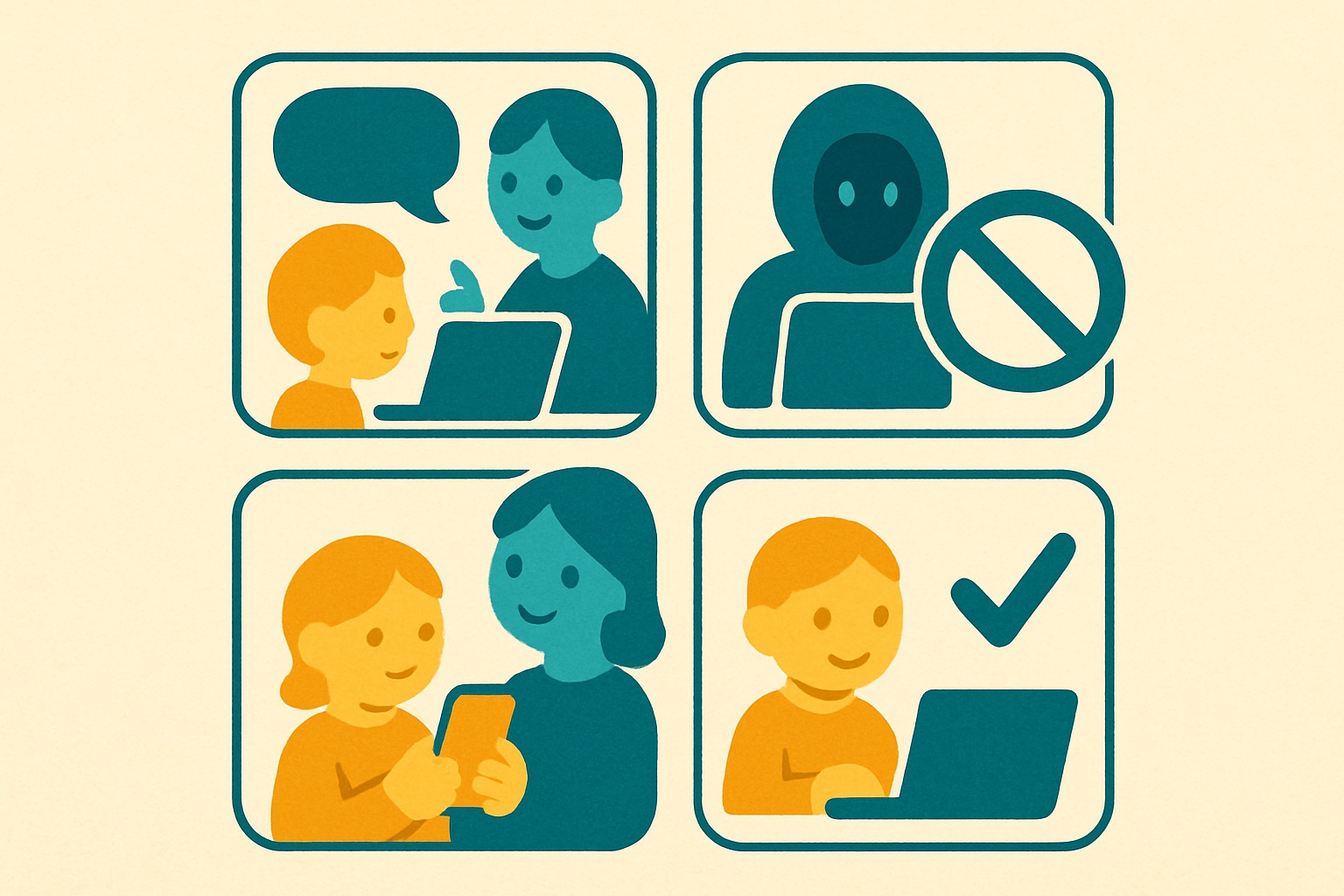
How to teach primary school children about online stranger danger
Teach primary school children about online stranger danger by keeping conversations calm, comparing digital safety to crossing the road, and focusing on simple rules like never sharing personal details with people they only know through a screen. Rather than terrifying them with worst-case scenarios, build their confidence to spot when a message or gaming friend does not feel quite right.
For parents and teachers, the internet can feel like an intimidating place to let children roam. We grew up learning not to get into cars with people we did not know, but today the strangers are sitting right inside the tablet or gaming console. The UK Online Safety Act places more responsibility on tech companies to protect users, but we still need to equip our children with their own built-in radar for deception. You do not need a degree in computer science to do this. You just need to translate the common sense you already have into terms a seven-year-old or ten-year-old can understand. By making online safety a normal, boring part of everyday conversation, you take away the fear and replace it with practical skills.
Redefining the stranger for the digital playground
In the physical world, a stranger is easy to identify. They are the person at the park you have never met. Online, a stranger might look like a friendly cartoon avatar on Roblox, a helpful teammate in Minecraft, or a video of a favourite celebrity offering free game currency. The first step in teaching online stranger danger is helping children understand that a screen name or a profile picture is just a mask. Anyone can put on a mask. You can explain this by comparing it to dressing up for Halloween or acting in a school play.
Children naturally want to be helpful and make friends, which is a lovely trait we want to nurture. However, this same trait makes them vulnerable to people pretending to be someone they are not. Start by defining what an “online friend” actually is. An online friend is still a stranger if you have not met them in person, even if you have played games together every day for a month. Tell your children that it is perfectly fine to chat about the game they are playing, but the line is drawn at sharing real names, revealing school names, or moving the chat to a private messaging app.
You might wonder how to explain concepts like phishing or fake profiles without scaring them. Keep it grounded in their reality. Ask them if they would give their favourite toy to a person who knocked on the front door wearing a disguise. When they say no, explain that giving away a password or clicking a strange link to get free virtual coins is exactly the same thing. It is just a trick to get them to open the door to their digital room.
Tackling the new threat of AI and deepfakes
We are now raising the first generation of children who have to figure out if the video they are watching is real or generated by artificial intelligence. Deepfakes and voice cloning might sound like science fiction, but they are increasingly common tools used to trick people of all ages. A child might see a video on TikTok or YouTube Shorts where a famous creator appears to be telling them to click a link to win a prize. To a primary school child, seeing is believing. If their hero says it, they assume it must be true.
To counter this, you need to introduce the idea of digital magic tricks. Tell them that computers are now so clever they can copy a person’s face and voice, much like a parrot copying a human but much more convincing. You do not need to explain the mechanics of machine learning. Just teach them the golden rule of spotting a trick. If a video or voice note is asking them to do something urgently, like sending money or sharing a password, they should immediately stop and show it to an adult.
Voice cloning adds another layer to this challenge, where scammers can mimic the voice of a family member or friend. A highly effective and reassuring way to handle this is to create a family safe word. Choose a silly, memorable word together. If a child ever receives a voice message or a call from “Mum” or “Dad” asking for help from an unfamiliar number, they can ask for the safe word. If the person cannot provide it, the child knows it is a trick. This gives them a tangible, proactive tool that feels like a secret agent mission rather than a terrifying threat.
Creating a safe space for reporting mistakes
The most critical part of teaching online safety is ensuring your child feels completely safe coming to you when things go wrong. If a child believes they will have their phone or tablet confiscated because they clicked a bad link or spoke to a stranger, they will hide their mistakes. Secrecy is a scammer’s best friend. You must explicitly tell your children, multiple times, that they will not be in trouble if they are tricked online.
When they do come to you with a problem, perhaps they gave away their Roblox password to someone promising free Robux, you must manage your own reaction. Take a deep breath. Praise them for being brave enough to tell you. Say something like, “Thank you so much for showing me this. You did exactly the right thing by telling me. Now let us fix it together.” This collaborative approach builds immense trust and ensures they will come to you the next time they feel unsure about an online interaction.
Teachers can foster this same environment in the classroom. When discussing online scenarios, frame mistakes as learning opportunities rather than disciplinary issues. Discuss hypothetical situations, such as receiving a strange email from a friend that does not sound like them. Ask the class what they would do. By talking through these scenarios calmly and without judgment, you normalise the experience of encountering deception online and reinforce the correct response, which is always to pause, think, and ask a trusted adult for help.
Building critical thinking instead of banning screens
It is incredibly tempting to try and solve the problem of online strangers by simply banning access to the internet or severely restricting app usage. While age-appropriate boundaries and parental controls are absolutely necessary, they are not a complete solution. Children will eventually use devices at school or when visiting friends. If we rely solely on digital walls, we leave them defenceless when those walls are breached or removed.
Instead, focus on building their critical thinking skills. Encourage them to ask questions about the media they consume. When you are watching a video together, casually ask them, “Do you think this person is telling the truth, or are they just trying to get lots of views?” or “Why do you think this game is asking for our email address?” By prompting them to question the motives behind digital content, you train their brains to naturally look for inconsistencies and hidden agendas.
This habit of questioning is the best defence against sophisticated scams like phishing. Phishing relies on panic and urgency, telling the victim that their account will be deleted if they do not click a link right now. A child trained to pause and think will recognise this urgency as a red flag. They will learn to step back from the emotional pressure of the screen and apply the logic you have taught them. At Safety Spotters, we know that these concepts can feel dry to a child, which is why our books turn these lessons into stories children remember. By reading about characters who face these digital dilemmas, children internalise safety rules without ever feeling lectured.
Try this at home or in class
Here are three simple steps you can take today to build your child’s confidence and safety online.
- Establish a secret family password. Choose a fun, unique word together and agree that if anyone claiming to be family or a trusted friend acts strangely online, you will ask for this word to prove their identity.
- Play the “Real or Trick” game. Look at a few harmless advertisements, YouTube thumbnails, or emails together and ask the child to guess if the creator is trying to help them, entertain them, or trick them into clicking.
- Make the “No Trouble Promise”. Sit down and explicitly promise your child that if they ever click a bad link or get tricked by a stranger online, you will not confiscate their device or be angry, provided they tell you immediately.
Frequently asked questions
How do I know if my child is secretly talking to a stranger online? Look for changes in their behaviour, such as closing screens when you walk into the room or becoming unusually protective of their device. Keep device usage in shared family spaces to naturally monitor their interactions without needing to hover over their shoulder constantly.
What should I do if my child has already shared personal information? Stay calm and do not punish them. Immediately change the passwords for the affected accounts, enable two-factor authentication where possible, and review their privacy settings. Explain gently why the information was dangerous to share, focusing on the learning experience rather than the mistake.
At what age should I start talking about deepfakes and AI? You can introduce the basic concept as early as six or seven years old. You do not need to use technical terms. Simply explain that computers can now draw pictures and copy voices to look and sound like real people, which is why we must always check with an adult if a video asks us to do something unusual.
Are parental controls enough to keep my child safe from online strangers? Parental controls are a helpful safety net, but they cannot catch everything, especially in multiplayer games or group chats. They should be used alongside ongoing conversations and education. Think of parental controls as a seatbelt, while education is teaching the child how to actually drive safely.
To help your children master these skills through fun, engaging stories, download your complimentary guide and storybook for parents and teachers at safetyspotters.com/free.