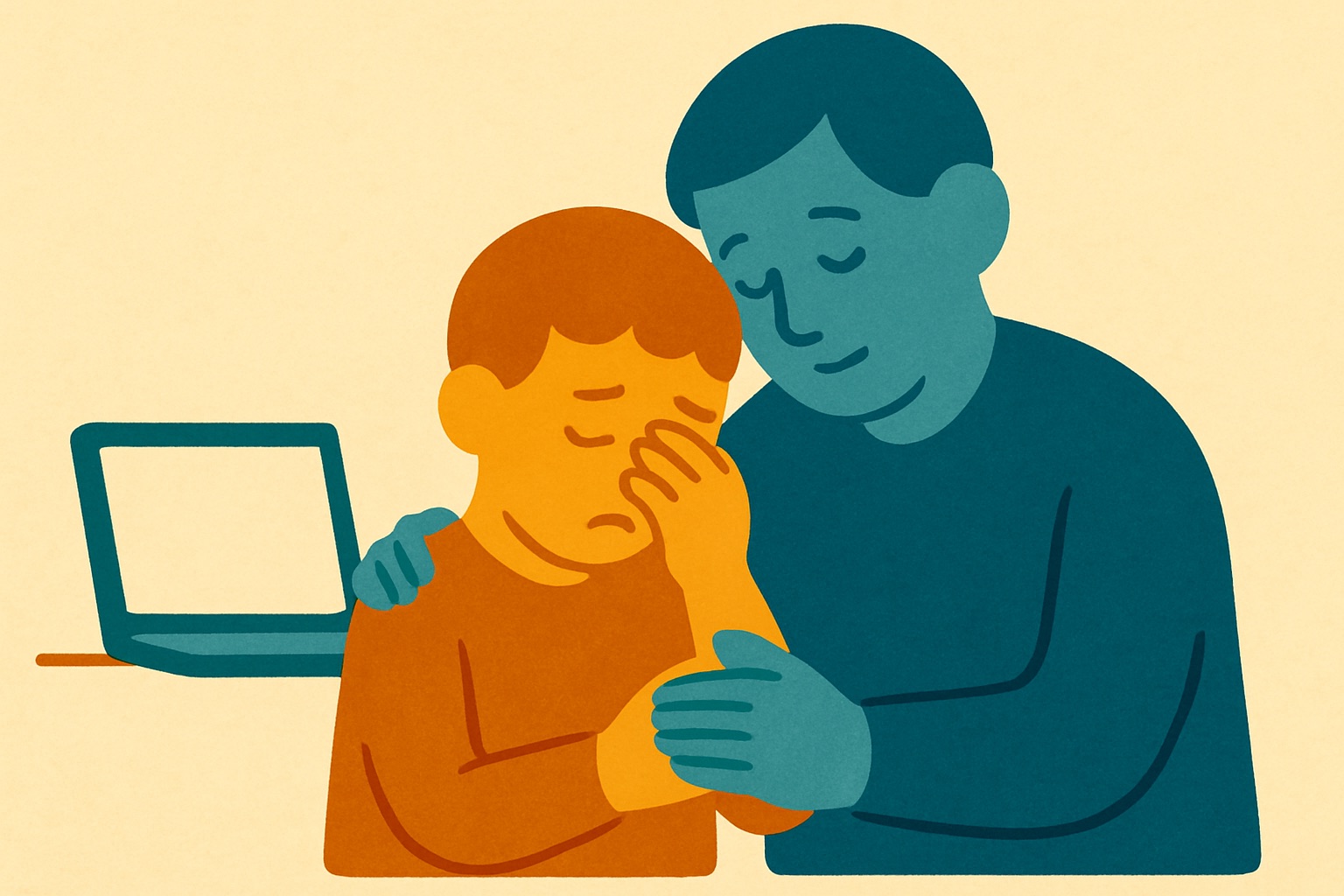
What to do if your child sees a scary AI-generated video
If your child sees a frightening AI-generated video, the best approach is to stay calm, listen to their worries without dismissing them, and explain that the video is basically a highly realistic cartoon made by a computer. Reassure them that just because something looks real on a screen does not mean it is real in the physical world.
Children today are growing up with feeds full of incredibly convincing digital content. When a young person stumbles across a video showing a scary monster in a familiar city, a fake natural disaster, or a famous person doing something threatening, their fear is completely genuine. The good news is that you do not need a degree in computing to help them through this. You just need patience, a listening ear, and a few simple explanations to help them process what they have seen. By guiding them gently, you can turn a moment of fear into a valuable lesson in digital literacy.
Keep calm and validate their feelings
When a child runs to you terrified by a video of an alien invasion in London or a popular YouTuber behaving in a frightening way, your first instinct might be to quickly turn off the device and tell them not to be silly. However, their brain has just processed a highly realistic threat. To them, the danger feels immediate. Start by acknowledging their fear. You might say something like, “That does look really scary, and I can see why it upset you.” This shows that you are on their side and creates a safe space for them to open up.
Once they feel heard, gently de-escalate the situation. Ask them to describe exactly what they saw and how it made them feel. Sometimes, the act of putting the fear into words helps to shrink it. Reassure them that these videos are designed by clever computers to trick our eyes and ears, and remind them that adults get fooled by these videos every day.
Physical comfort is also incredibly grounding. If you are a parent, sit close to them, offer a hug, and change the environment. Move away from the screen and go into a different room or step out into the garden. If you are a teacher handling this in a classroom, encourage the child to take a few deep breaths and focus on the solid, real things around them. Grounding them in the physical present helps the logical part of their brain take over from the emotional part.
Explain the technology in simple terms
You do not need to understand complex algorithms to explain artificial intelligence to a child. The easiest way to demystify an AI-generated video is to compare it to things they already know. For younger children, compare AI to a clever digital paintbrush or a highly advanced video game. Explain that just like animators draw cartoons of talking animals, people can now use computers to draw videos that look like real life.
For older children and young teenagers, you can discuss deepfakes and voice cloning more directly. Explain that computers have studied thousands of pictures of real things. The computer then uses that knowledge to mash images together like a digital collage. If they saw a video of a famous footballer saying something frightening, explain that the computer simply cut and pasted different sounds and images together.
Looking for the mistakes together can be a highly effective way to break the illusion. If the child is calm enough, watch the video together and play detective. Pause the video and look for clues that prove it is fake. AI often struggles with specific details. Look closely at the hands to see if there are too many fingers, check if the background text looks like meaningless scribbles, or notice if the person’s mouth moves awkwardly. Finding these mistakes turns the scary monster back into a clumsy computer trick.
Report the content and review their app settings
After you have calmed the child and explained what they saw, it is a good idea to take practical steps to stop the video from spreading and to prevent similar content from appearing on their feed. Social media platforms and video-sharing sites have community guidelines, and most have specific rules against harmful or deceptive AI content. Use the reporting tools built into the app. This gives them a sense of control and teaches them that they have the power to push back against bad content.
Next, take a few minutes to review the safety settings on their device and the specific apps they use. The algorithms that feed videos to users are designed to show more of what a person has just watched. Because your child lingered on the scary video, the app might think they want to see more of the same. You can often reset the algorithm by clearing their watch history or selecting options like “not interested” on the video. For younger children, ensure that restricted modes are turned on to help filter out extreme content.
It is also worth having a brief chat about the UK laws designed to keep them safe, such as the Online Safety Act, which places a responsibility on tech companies to protect children from harmful material. Just let them know that there are strict rules for the people who run these apps, and adults are working hard to make the internet a safer place for them.
Build a habit of questioning what they see online
The most powerful defence against scary AI videos, deepfakes, and online scams is a questioning mind. We want to teach children to pause and think before they react to anything they see online. You can encourage this habit by making it a regular part of your conversations. When you are watching television or looking at social media together, casually point out things that look edited or digitally enhanced. Ask them questions like, “Do you think that video is real, or did a computer help make it?”
Teach them the golden rule of online information. If something makes them feel suddenly terrified, angry, or desperate to share it with their friends, that is the exact moment they
Frequently asked questions
How should I react when my child first tells me about a scary video? Start by staying calm, listening to their worries, and validating their genuine fear without dismissing it. Offering physical comfort and moving to a different room can also help ground them in reality.
How can I explain AI videos to a young child in simple terms? You can compare the technology to a clever digital paintbrush or an advanced video game. Explain that computers can now draw highly realistic cartoons that look just like real life but are completely fake.
How can we prove to an older child that a video is not real? If they are calm enough, watch the video together and play detective to look for visual mistakes. AI often struggles with fine details, so you can point out things like extra fingers, awkward mouth movements, or meaningless scribbles in the background.
How do I stop the app from showing my child more scary AI content? You can reset the algorithm by clearing their watch history or tapping the “not interested” option on the video. You should also report the content using the app’s built-in tools and ensure restricted modes are turned on for younger users.